 YarWin
 YarWin Deposit Guide — Every Screen Shown
Adding money to YarWin is fast and straightforward. Follow these steps exactly.
Login and Open the Wallet
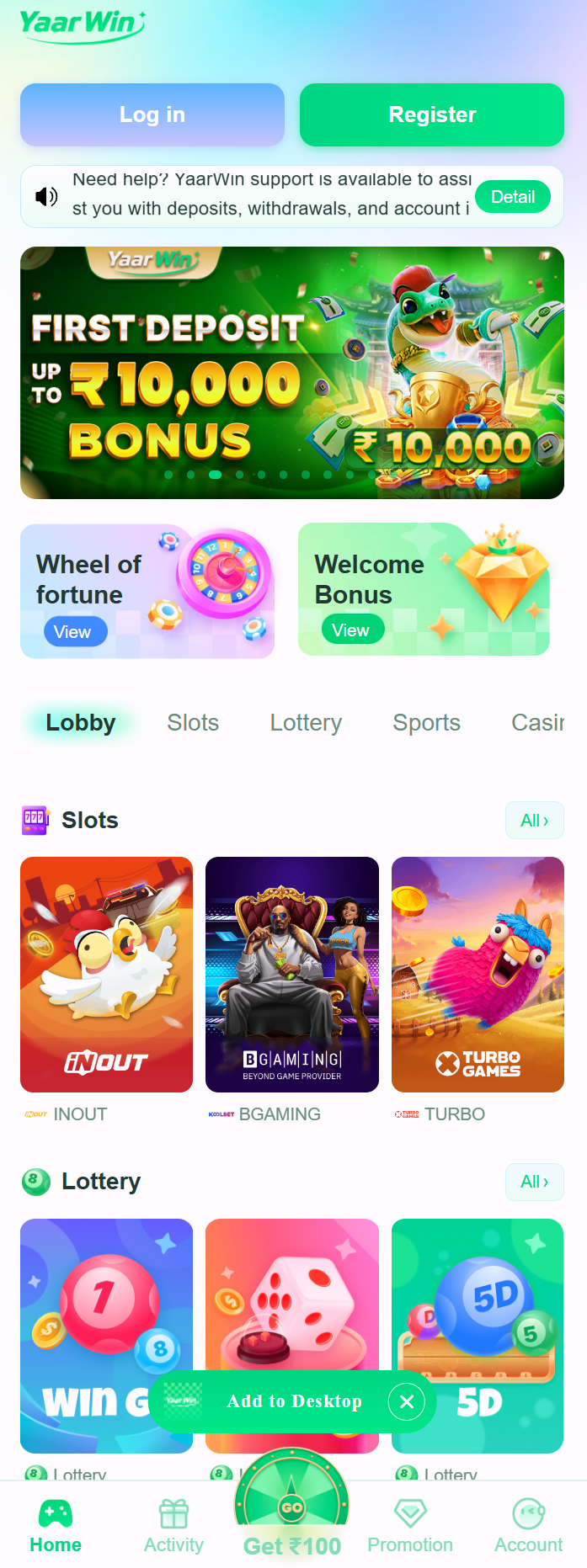
Login to your YarWin account. From the homepage, tap on the Wallet icon at the bottom or navigate to the account section and tap the Deposit button at the top of the screen.
Tap the Deposit Button
Inside the wallet, you'll see your current balance and a prominent Deposit button. Tap it to open the deposit options screen where you can choose your preferred payment method.
Wallet → Deposit
See current balance
Select a Deposit Method
YarWin offers multiple deposit methods for Indian users. Choose your preferred option — UPI, Bank Transfer, or other available methods. UPI is fastest — typically credited within 1 minute.
Enter the Deposit Amount
Type the amount you want to add to your YarWin wallet. You can also tap one of the preset amounts for quick selection. The minimum deposit amount is shown on this screen. Your first deposit bonus up to ₹10,000 depends on how much you deposit.
Complete Payment via UPI / Bank
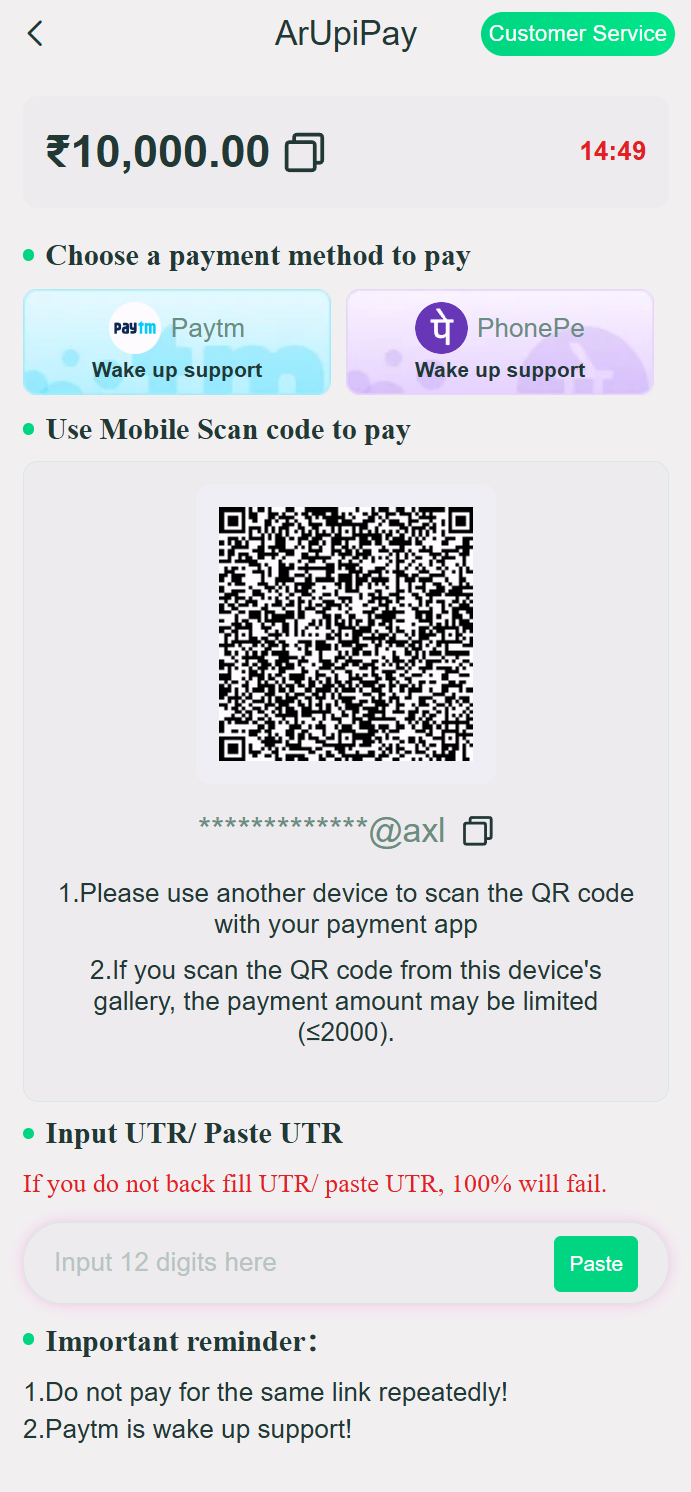
You'll be redirected to complete the payment. For UPI, scan the QR code or use the UPI ID provided. For bank transfer, use the account details shown. Complete the payment within the time limit shown on screen.
UPI: Scan QR or pay to UPI ID
Bank Transfer: NEFT/IMPS with shown details
Confirm & Check Your Balance
After completing the payment, return to YarWin. Your wallet balance will be updated — UPI deposits typically reflect within 1–5 minutes. If it doesn't appear after 10 minutes, contact YarWin customer support with your transaction UTR number.
YarWin Deposit — Things to Know
⚡ Always use the correct payment details
YarWin's payment accounts may change frequently. Always use the UPI ID or bank details shown inside the YarWin app at the time of deposit — never use details from a third-party source or a previous transaction.
📸 Screenshot every transaction
Before completing any deposit, take a screenshot of the payment screen showing the transaction reference (UTR number). If there's ever a dispute, this screenshot is your proof of payment.
⏱ Complete payment within the timer
YarWin deposit sessions have a countdown timer. If the timer expires before you complete the payment, you'll need to start a new deposit request. The system generates fresh payment details for each session.
🎁 Check for deposit bonuses first
Before depositing, check the Promotions section of the YarWin app for active deposit bonus offers. Your first deposit bonus of up to ₹10,000 is the biggest — make sure you claim it on your very first deposit.
Deposited? Start Playing Now
Your balance is ready. Open Win Go, K3 Lotre or any game from the YarWin home screen and start winning.